
Manufacturer can be setup to provide information about item parameters and documents. Based on manufacturer settings items and item parameters can be downloaded from DDS system.
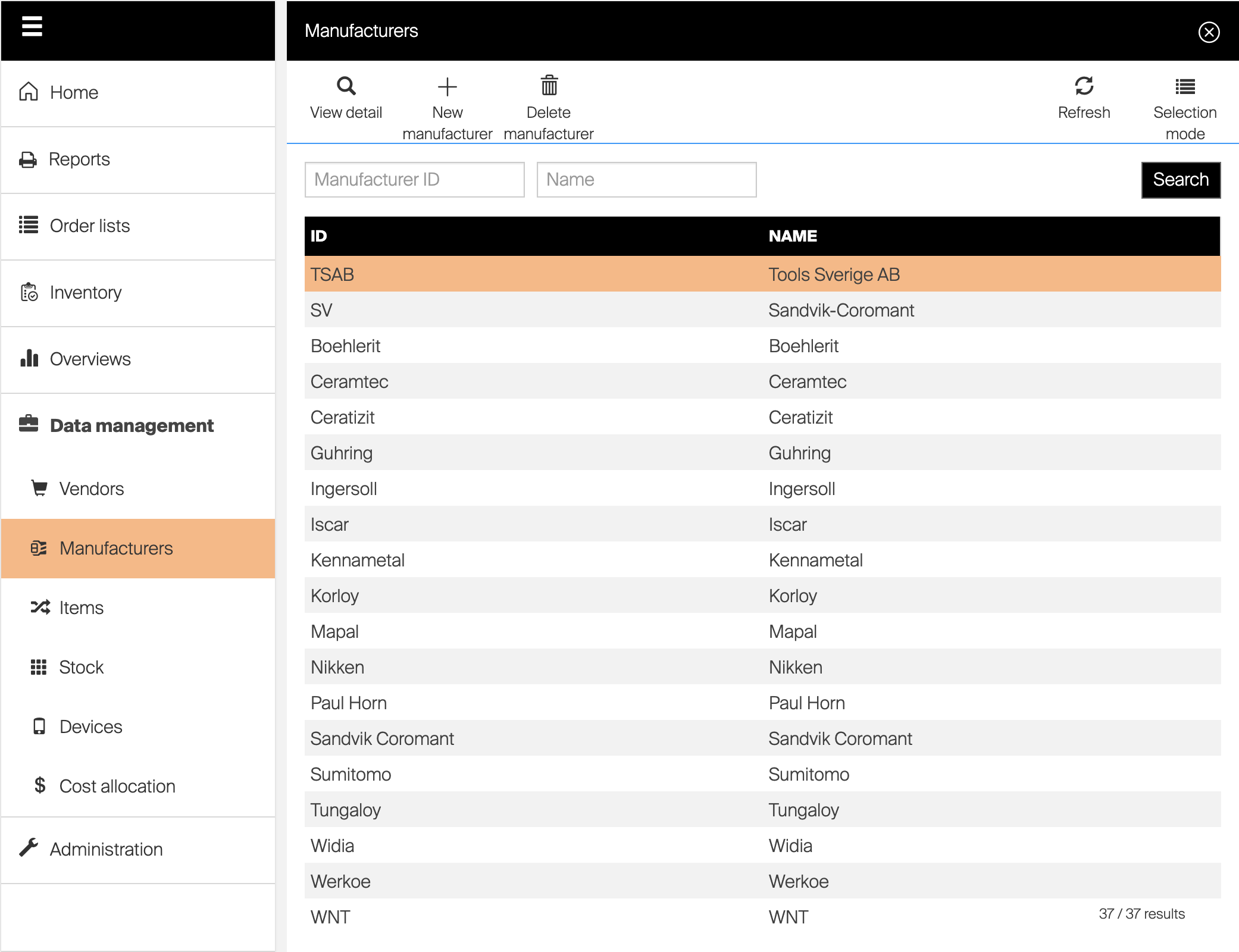
To start working with manufacturers, access Manufacturers option in Data management menu. On manufacturer list view following options are available to manage manufacturers:
 Opens detail of selected manufacturer
 Creates new manufacturer
 Deletes selected manufacturer On manufacturer detail following options are available to work with opened manufacturer:
 Saved performed changes
Deletes opened manufacturer
General information
| Option name | Functionality |
| Manufacturer ID | Manufacturer unique identifier |
| Name | Manufacturer name |