
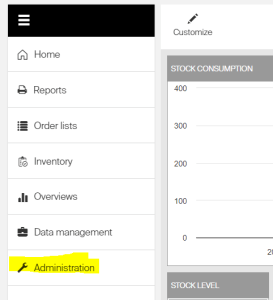
User Password Reset Resetting a user password is a common administrative task. To reset a CRIBWISE user password, please do the following (Administrator permissions required): Click on Administration on the left side of the screen
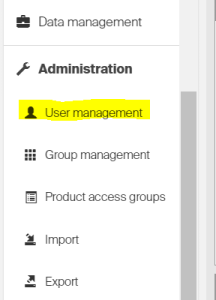
Click on User management
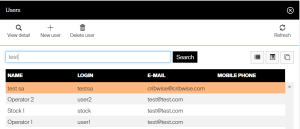
Search for the user in question or select the user record from the list visible from the default view
Click the Change password icon above the user fields
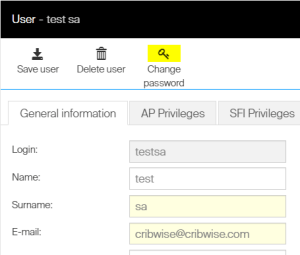
Enter the new password in both fields (ensure that the typed value is identical in each field) and then click save
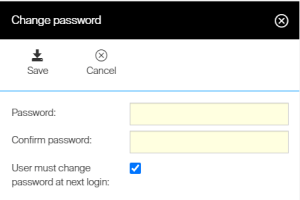
The change of password will allow a user to now login with the new credentials. Allow an additional 15 to 20 minutes to allow the updated password to propagate to the desired device running the CRIBWISE software.