
Pick for service should be performed, when some items in device are added to service order or service list and are about to be transferred to service center. Service person or dedicated person perform pick to service to get these items out of device. To start pick for service process, select Pick for service in Stock management menu.
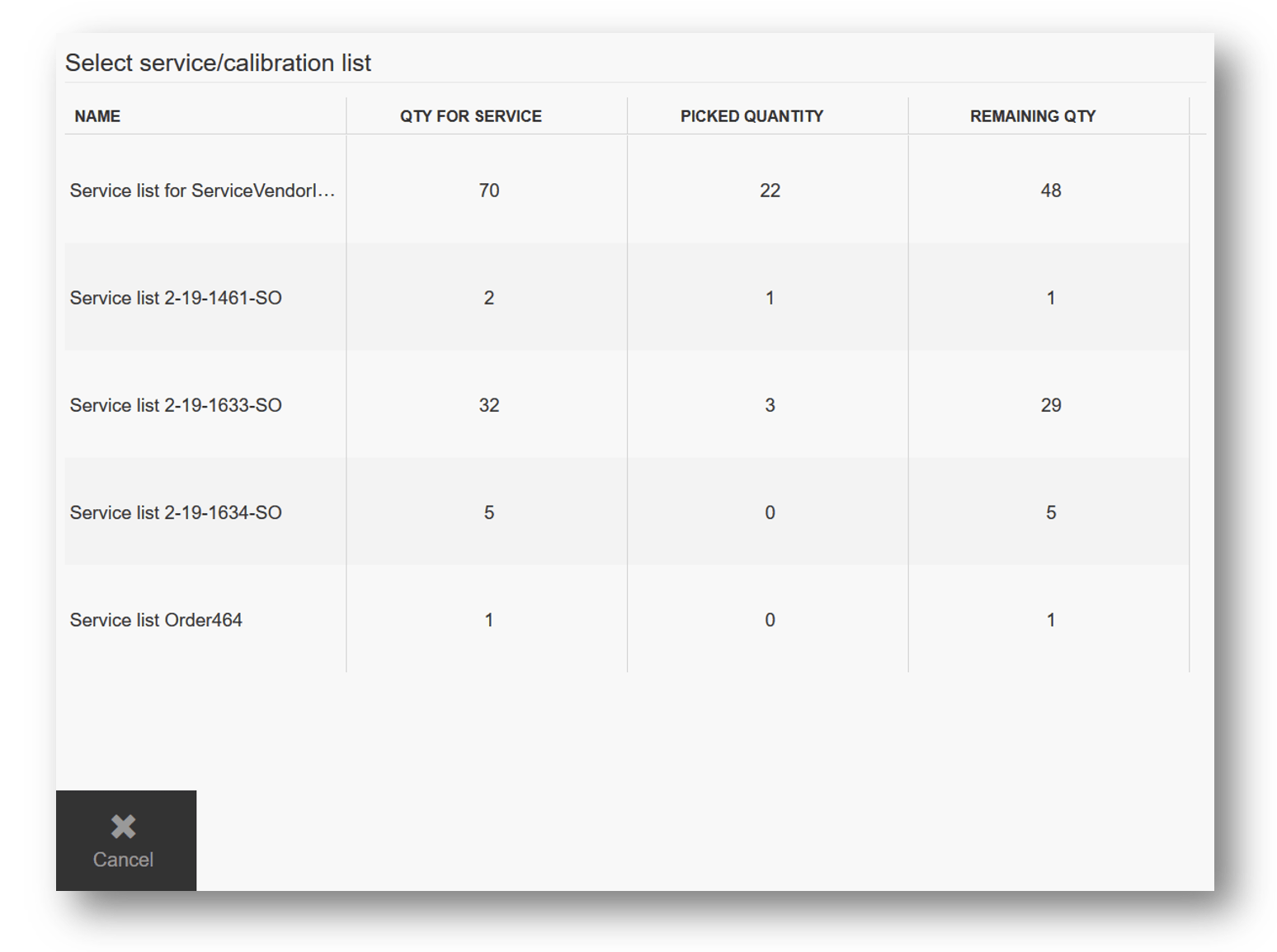
On list of service orders and lists select order or list. Each order or list have indication how many items have been already picked and how many items still remain in device.
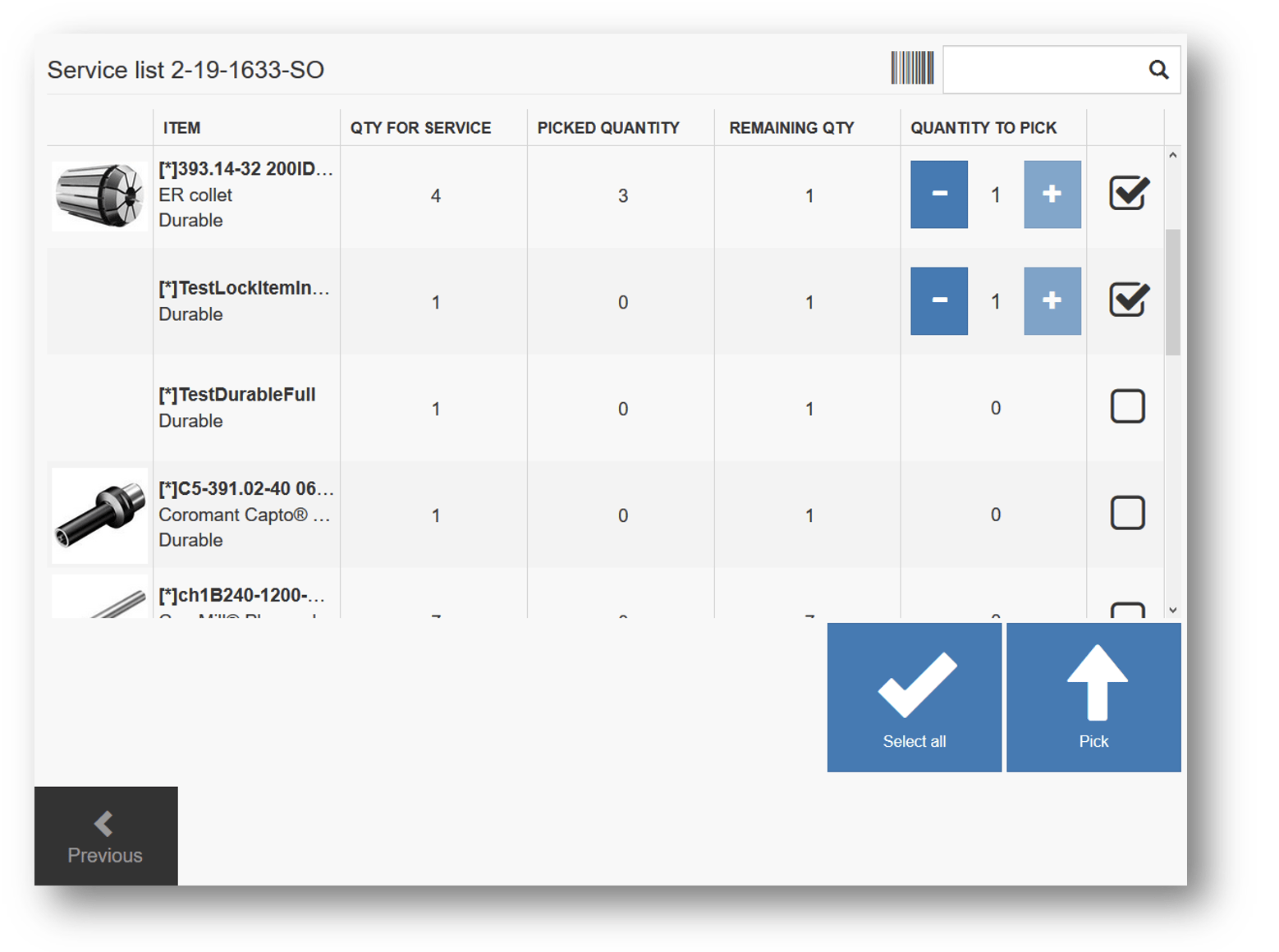
Select items and quantity you want to pick and confirm the pick. If item is serialized, specific serial numbers will be shown instead of quantity. System will open picking screen with information where to pick selected items. When pick for service is finished, picked quantity will be available for restock.